-
Hiking: Battell Nature Preserve Loop
-
Hiking: Snake Mountain via East Trail
-
Woodchuck on the Middlebury Walking Bridge

-
Hiking: Button Bay Trail
-
Hiking: Skylight Pond Trail
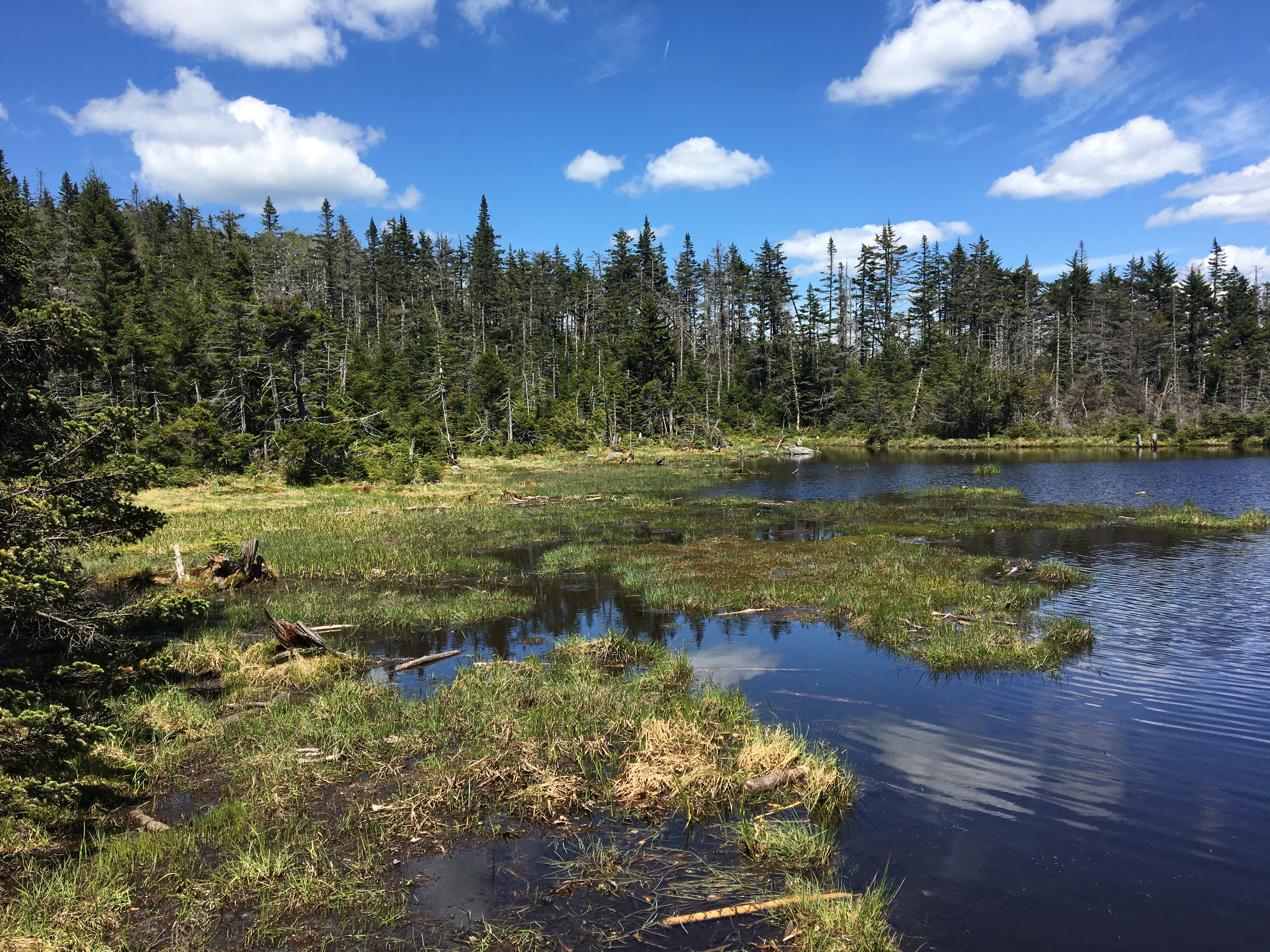

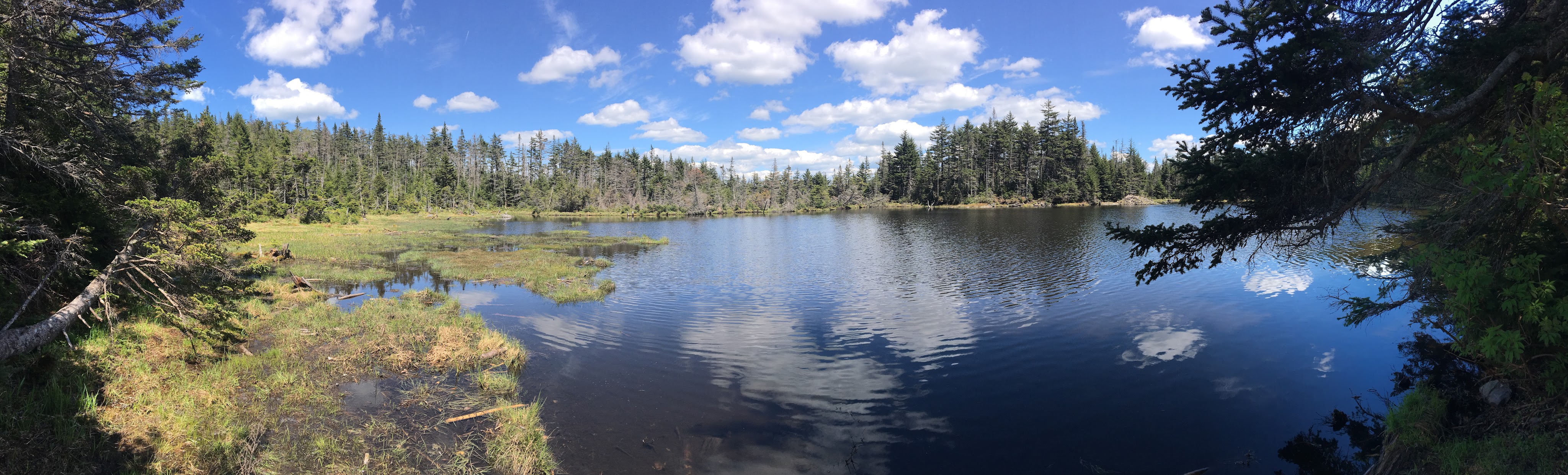
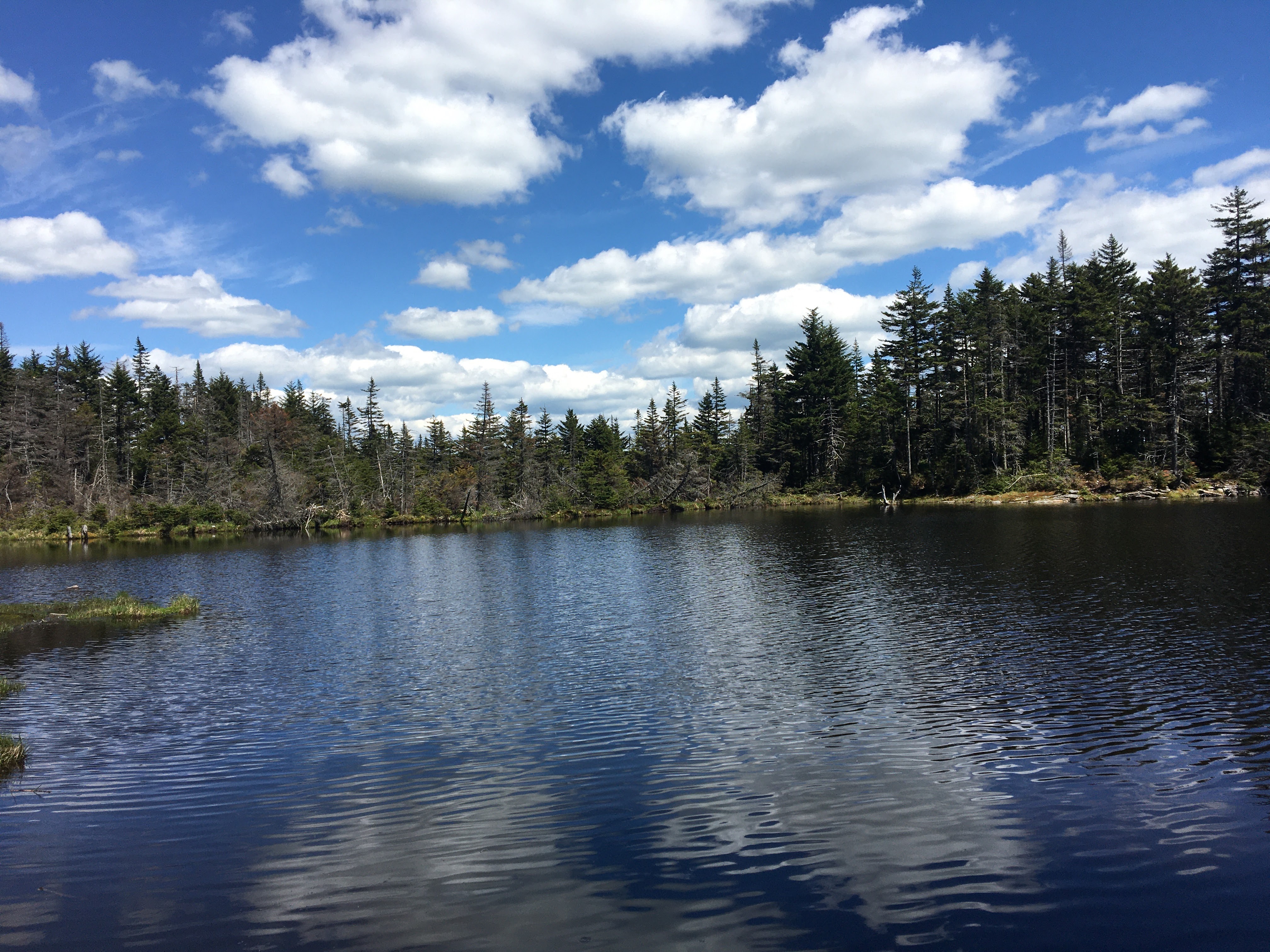

-
Hiking: Oak Ridge Trail Short Version
-
Hiking: Silver Lake Trail
-
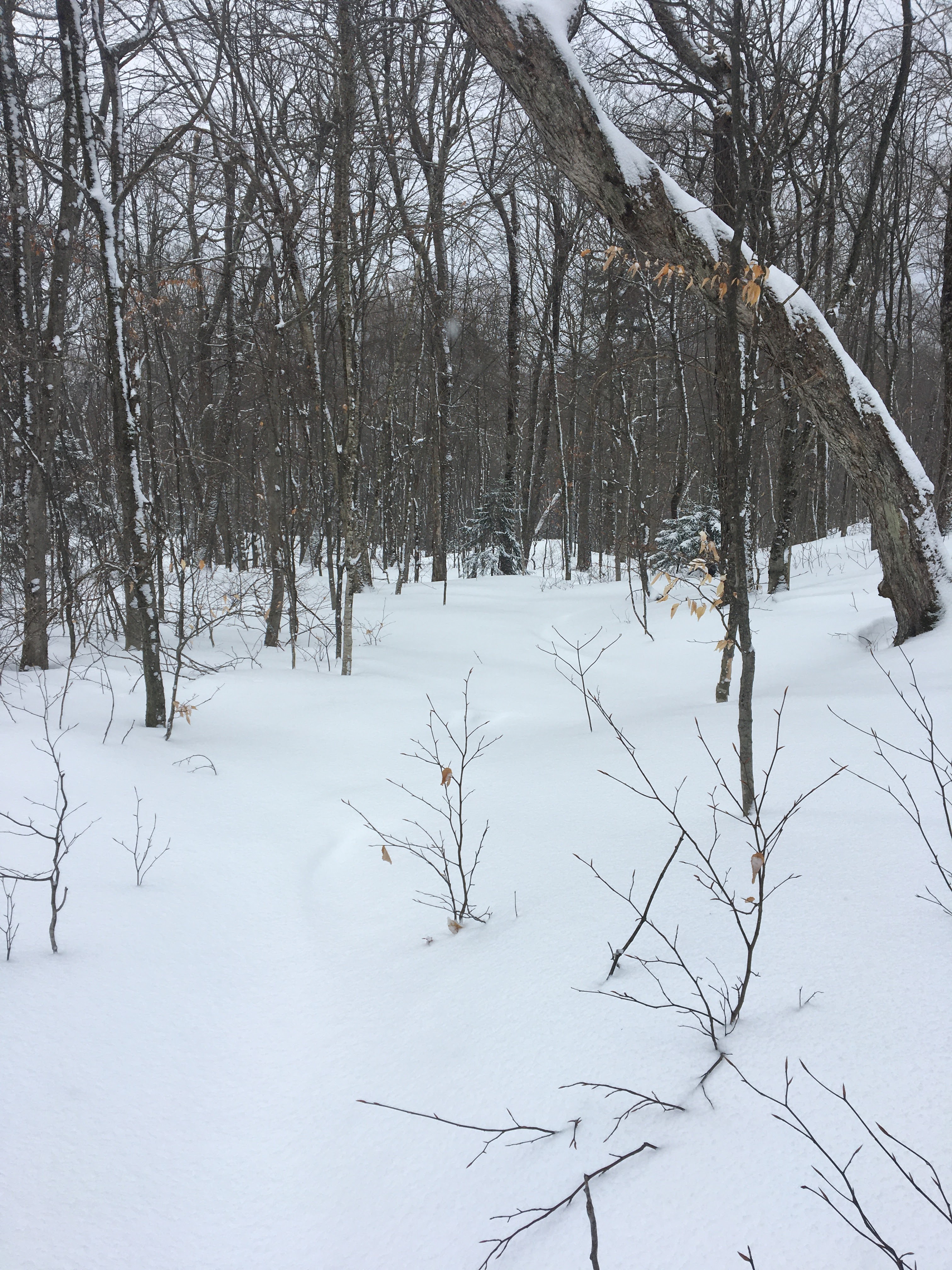
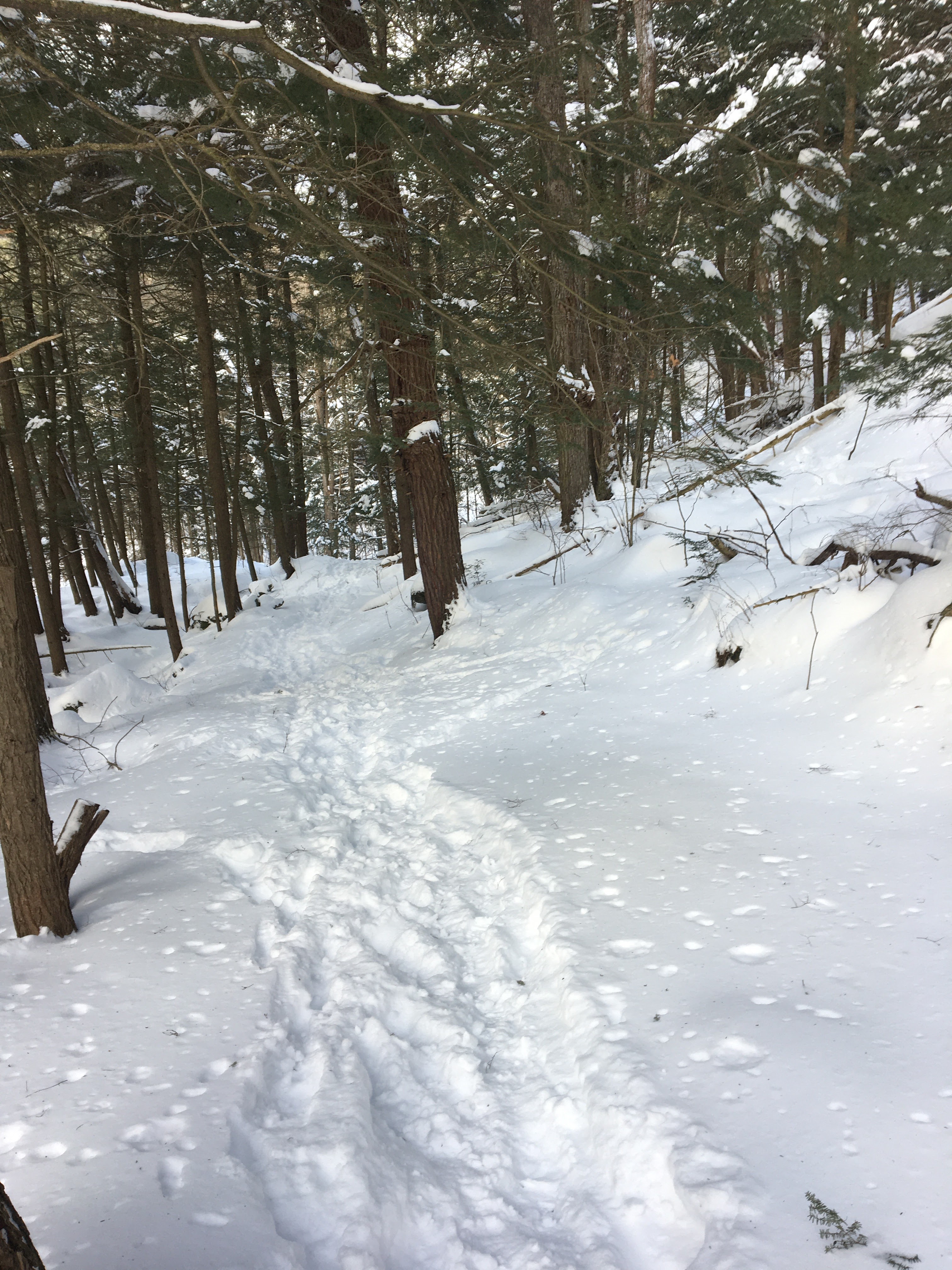
Snoeshoeing: Silent Cliff Trail
-
Snowshoeing: Vergennes Watershed Loop Trail
-
Drupal: Sharing Inline Block Markup Between Custom Themes and Layout Builder Editing
Drupal 9’s layout builder system is a great improvement on how we’ve long been building content in Drupal and combined with custom block types is a sufficient replacement for modules like Paragraphs. But one of the frustrations I’ve run into while using it is that my custom theme styles get in the way of the editing UI, preventing editors from being able to access or read some of the controls they need to do their work.
Fortunately, the layout_builder_admin_theme module solves this problem and lets us use an admin theme like seven or claro when editing with layout builder, so all the editing controls appear where and as they should. However, my custom templates for inline blocks weren’t rendering with this enabled since I kept them in my custom theme directory, and my custom theme was no longer being used when editing.
Here’s how to move those templates into a custom module so that they’re loaded in both the site your visitors see as well as when editors are working with them.
First, create a custom module and add hook_theme to let Drupal know that you’ll be supplying templates for these blocks.
<?php

/**
 * Implements hook_theme().
 */
function MY_MODULE_theme() {
  return [
    'block__inline_block__MACHINE_NAME' => [
      'render element' => 'elements',
      'base hook' => 'block',
    ],
  ];
}
Now you can create a
templatesdirectory within your module and place ablock--inline-block--MACHINE-NAME.html.twigtemplate file there which will be picked up when the block is shown with your custom theme or the admin theme enabled.{% if content %} {% set fields = content.content ? content.content : content %} <div{{ attributes.addClass(["block--MACHINE-NAME"]) }}> {{ title_prefix }} {{ title_suffix }} {% if content.actions %} {{ content.actions }} {% endif %} {% if fields.field_body %} <div class="block--MACHINE-NAME--body">{{ fields.field_body }}</div> {% endif %} {% endif %}The
contentobject will work as normal when viewed in your custom theme, but when the admin theme is shown it will instead be an array with two items:content.contentis the same object ascontentin the custom theme whilecontent.actionscontains some editing controls for positioning the block. To get around this inconsistency, we create a new variable,fields, which will have all the normal field content in it and then ensure thatcontent.actionsis printed out at the start of the block right aftertitle_prefixandtitle_suffixwhich are also needed (along with attributes on a wrapper element) for the layout builder editing UI to work.






















-
Subscribe
Subscribed
Already have a WordPress.com account? Log in now.
 Ian McBride